
Community story · Hong Kong
Hong Kong did not just try OpenDesign. It stress-tested it.
On August 16, a room of builders turned brand systems, live data, models, and skills into working artifacts—and showed us exactly where an agentic workspace creates value.
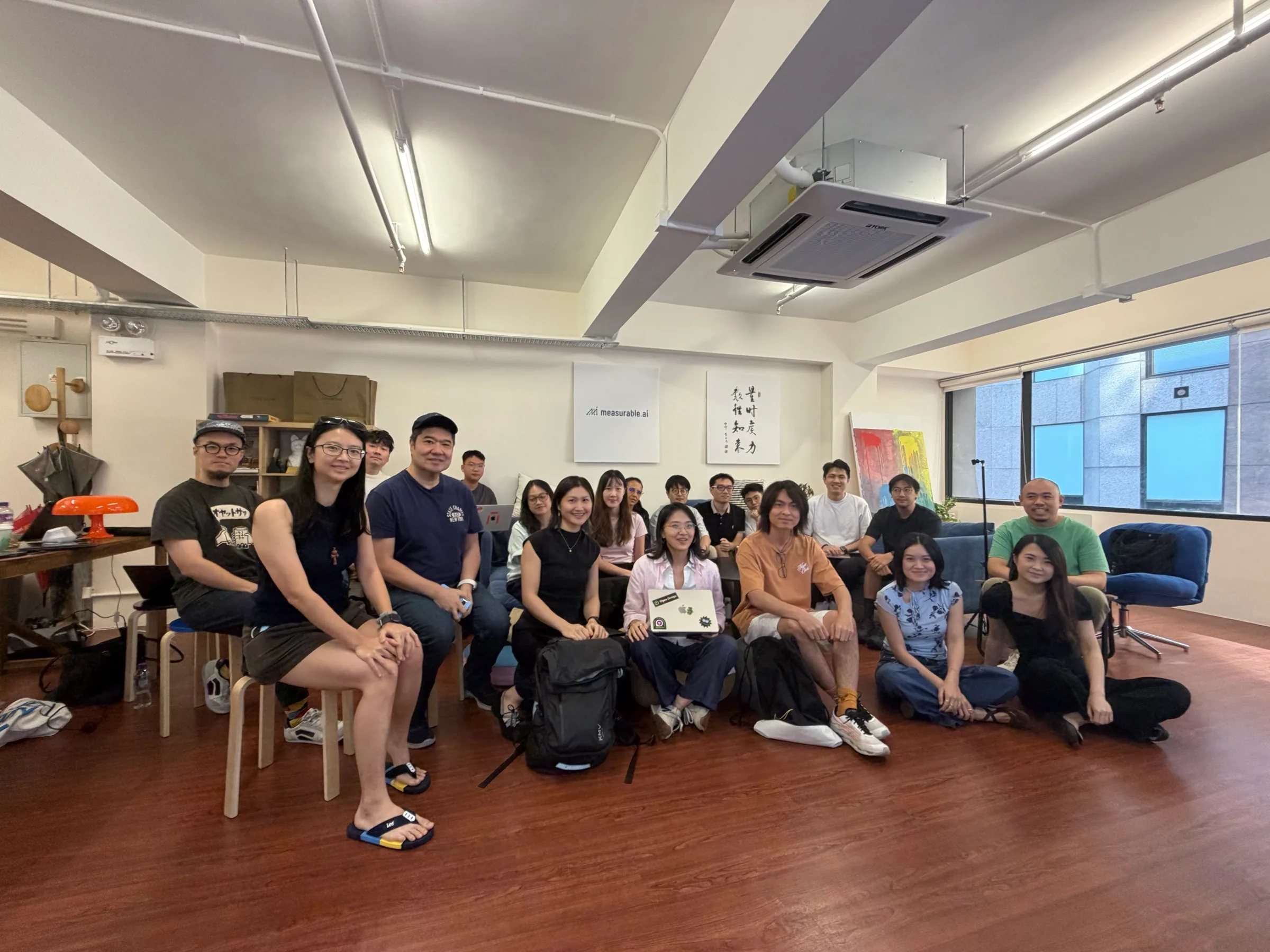
A live, hands-on session for building, sharing, and product feedback.
The room
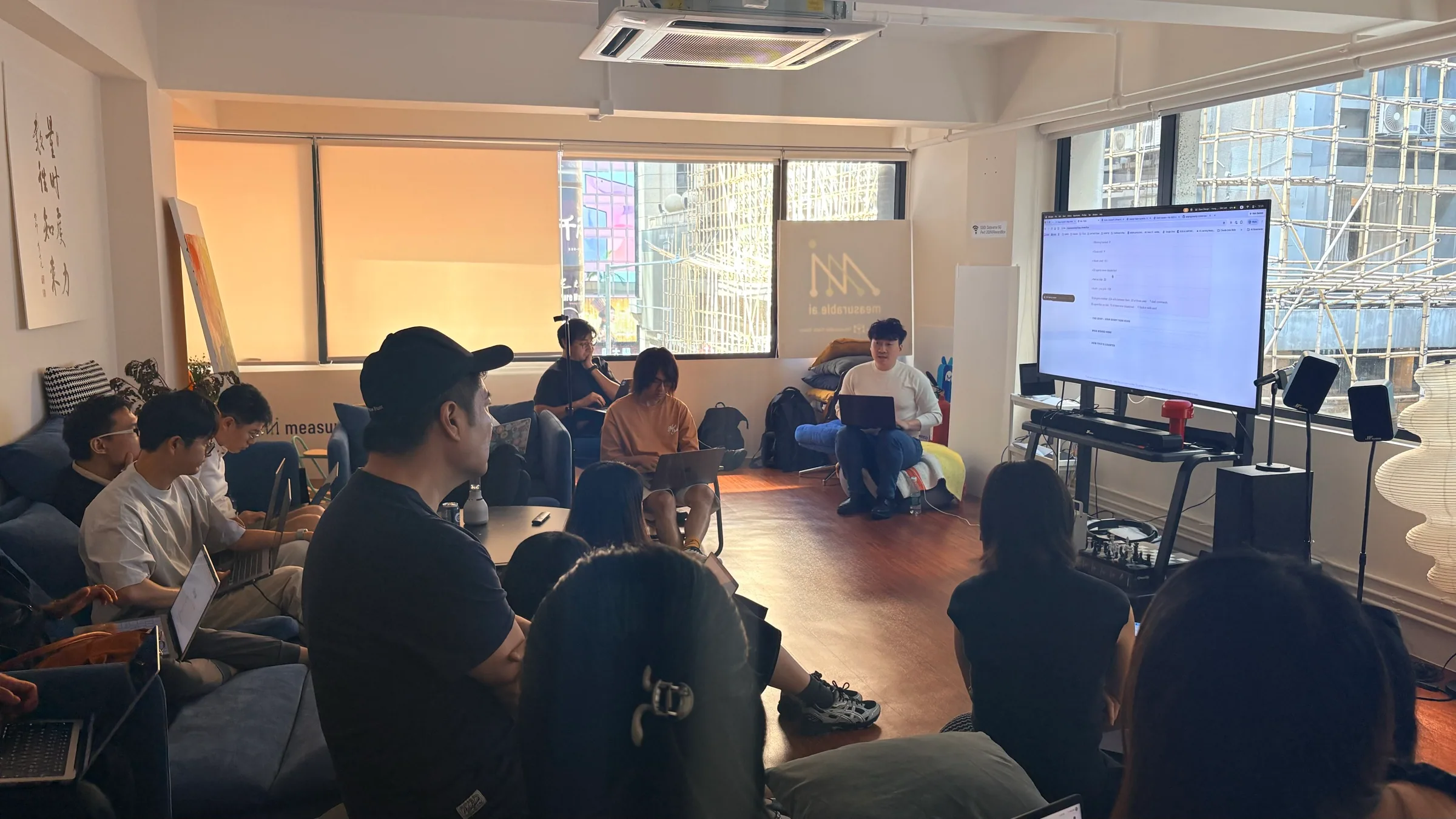
What happened
The workshop became a live product lab.
Participants worked across presentations, dashboards, websites, and product prototypes. Some began with an existing brand or design system; others connected external data and APIs, then shaped the result into something visual and interactive.
The range of work mattered. It tested whether OpenDesign could hold context across very different jobs—not as a one-shot generator, but as a workspace where people could build, inspect, refine, and present.
Every success and every moment of friction became useful feedback: how quickly a new user can connect a model, how predictable editing feels, and whether a finished artifact is easy to hand to someone else.
The strongest moment was not a perfect demo. It was watching real work survive contact with the room.
The foundation
A design system made every new artifact feel connected.
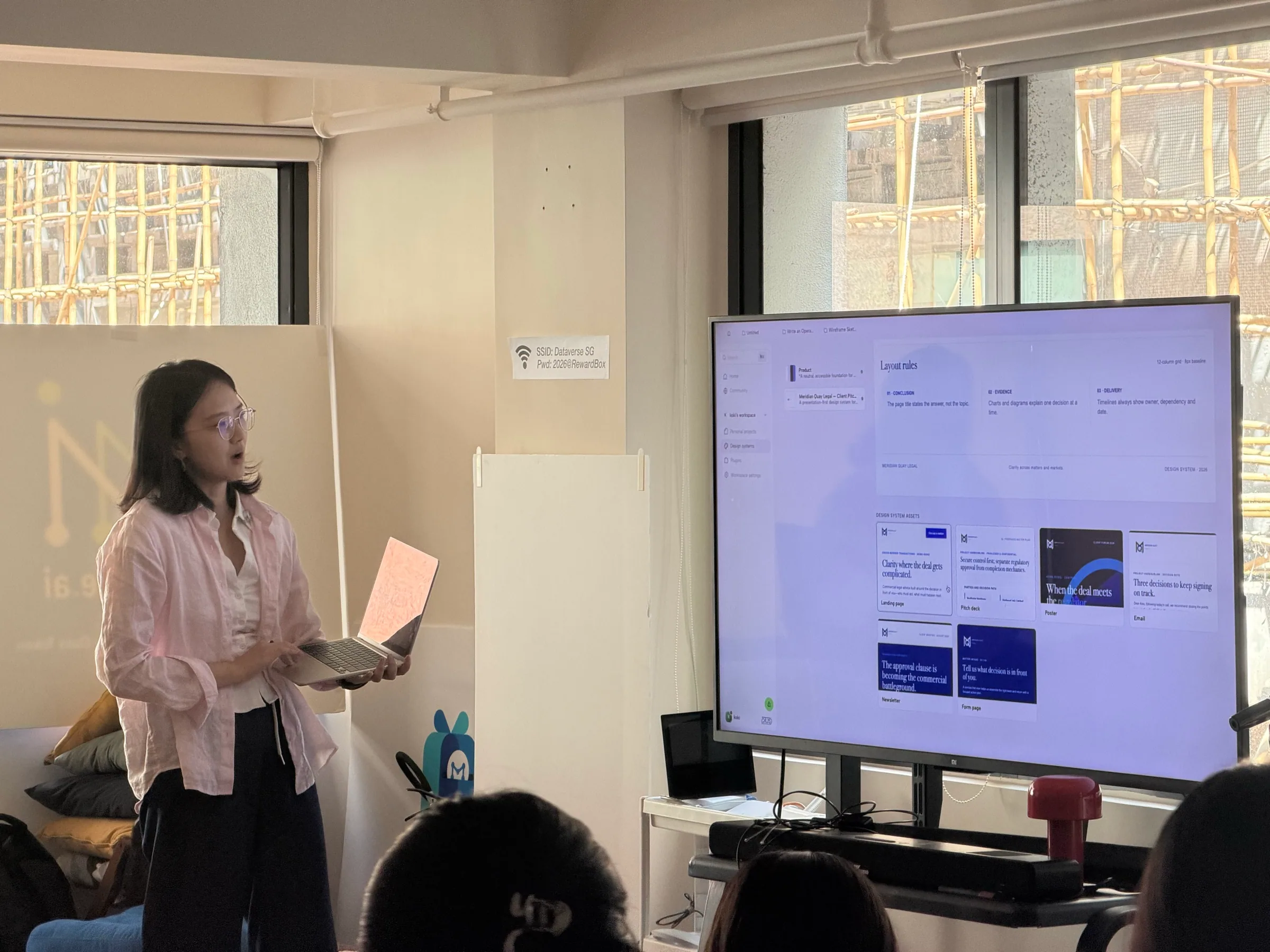
The clearest product value in the room was consistency. Participants could bring in a brand website or repository, establish shared typography, spacing, and assets, then reuse that system across decks, social content, prototypes, and web pages.
That changes the role of AI. Instead of generating isolated visuals, the workspace gives models and agents a set of boundaries—so teams can move quickly without starting the visual language over every time.
Live builds · 01
Complex ideas became explorable, not just explainable.
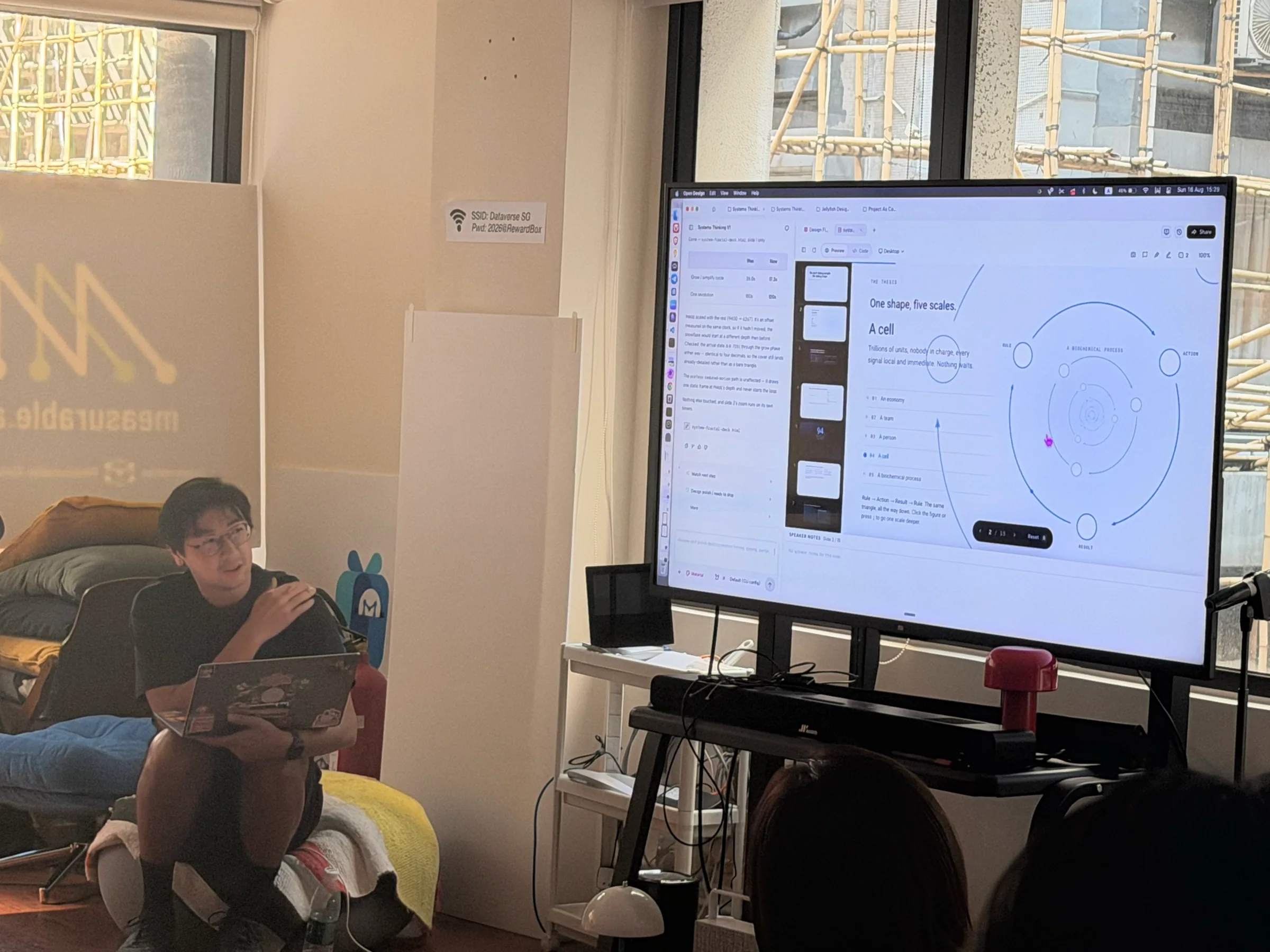
One participant created two versions of a systems-thinking presentation, adding animated and interactive elements to make an abstract model easier to follow.
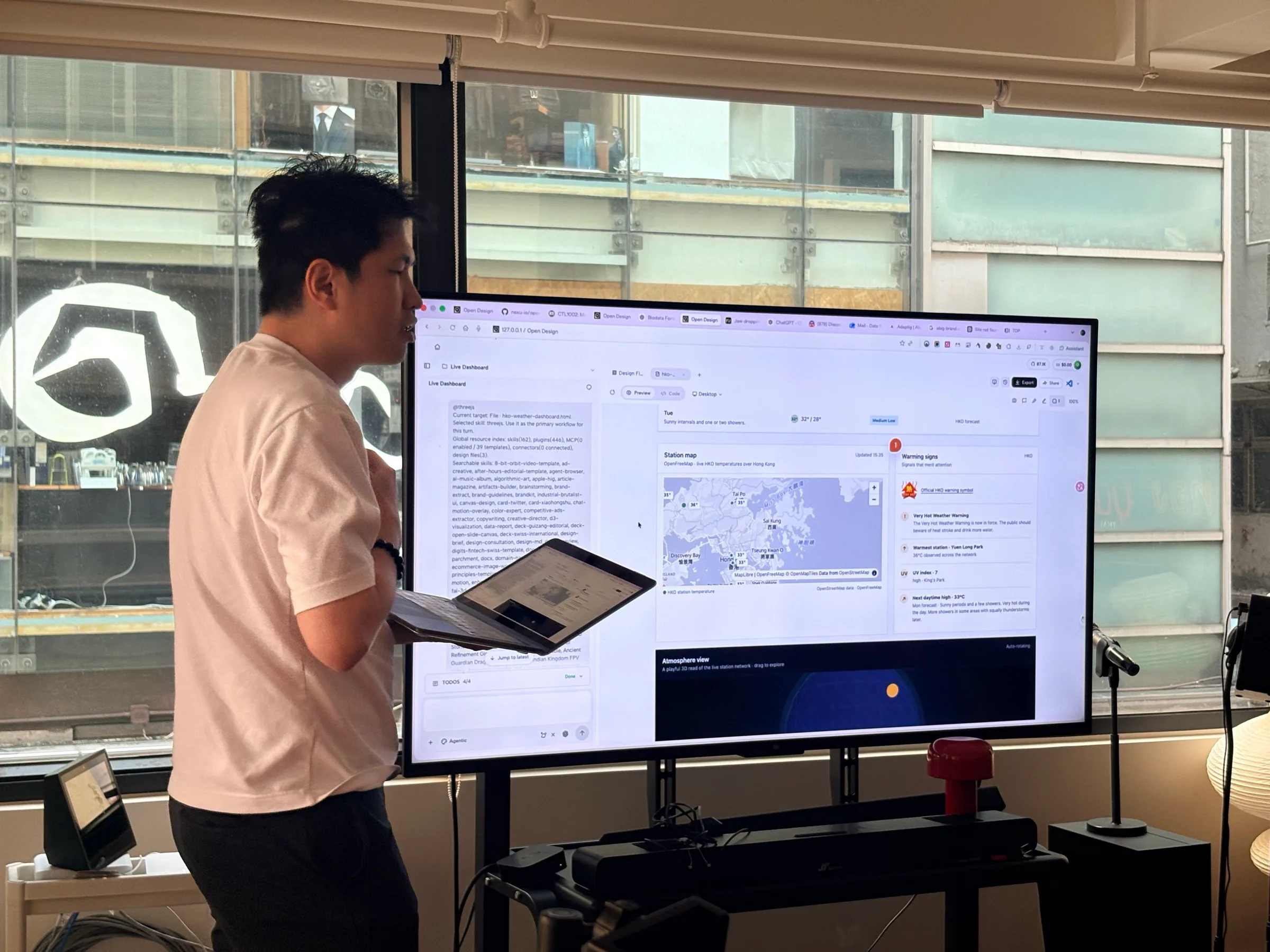
Another connected Hong Kong open data and a map API to create a live weather dashboard—without first working through the API documentation. Natural-language intent became a bridge between data and a usable interface.
Live builds · 02
The show-and-tell stretched from analysis to atmosphere.
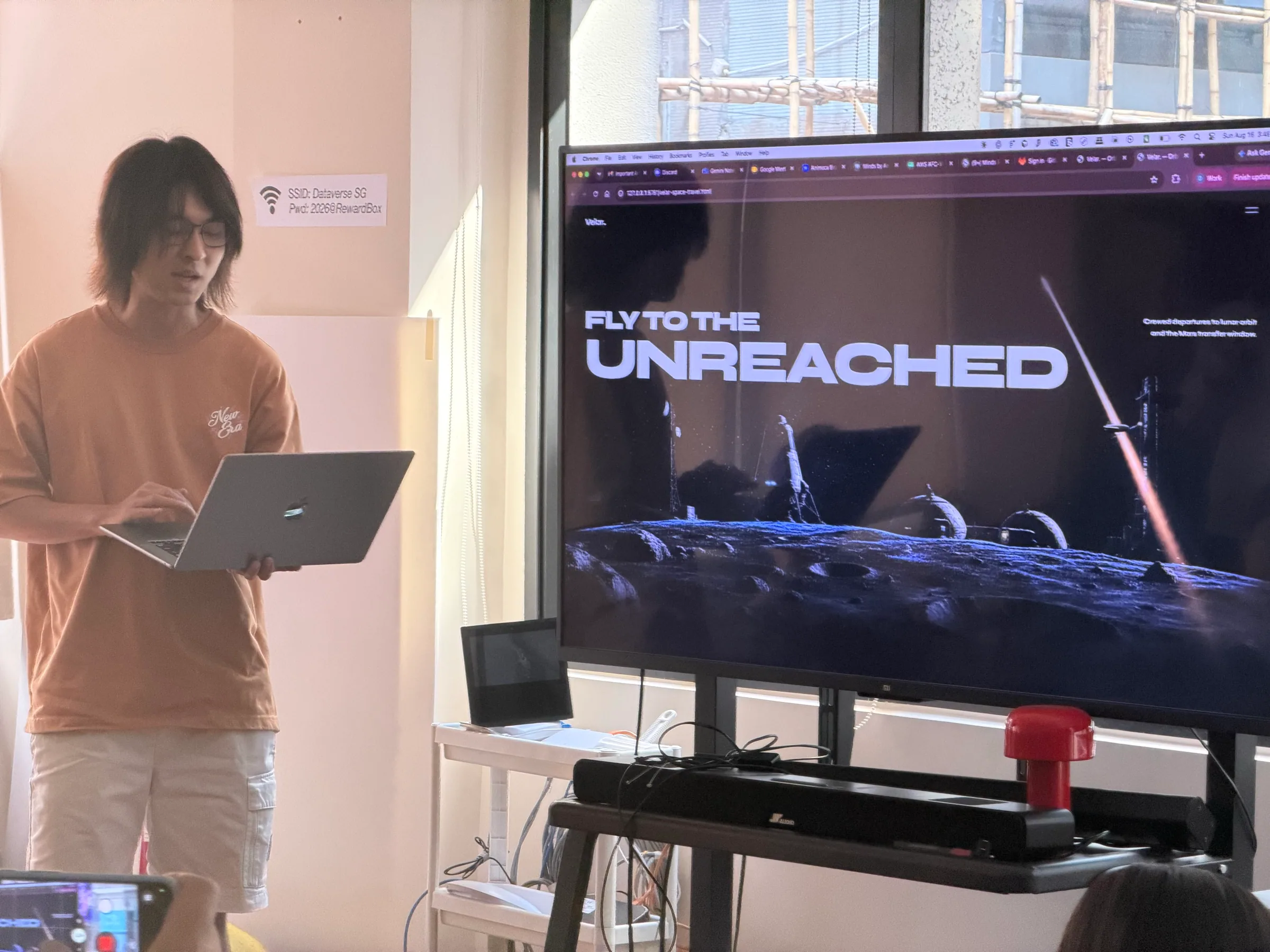
The room did not converge on one kind of output. Alongside structured dashboards and presentations were expressive web experiences built to create a mood, hold attention, and invite exploration.
That variety is the point of an agentic workspace: the same underlying system can support a rigorous internal prototype, an interactive explainer, or a visual concept ready to present.
What the room told us
A powerful workflow still has to feel effortless at the edges.
Start before the prompt.
Connection, authorization, and model setup must be clear enough that a first-time user can begin without understanding CLI tools or API keys.
AI-first still needs direct control.
People want predictable image generation and simple actions such as dragging, resizing, aligning, and undoing alongside agent-driven edits.
Delivery completes the workflow.
A finished artifact should move easily into a share link, PDF, Word document, Feishu, or Google Drive—without asking the recipient to become technical.
What we learned
OpenDesign is most useful when design systems, agents, data, and editable outputs meet in one place.
Consistency is the multiplier.
A reusable design system lets every new artifact begin with the right visual context.
Live connections create the wow moment.
Models and skills become tangible when they turn real data into something people can use and show.
The last mile is part of creation.
Editability, export, and sharing decide whether an impressive result becomes part of real work.
Next step
Bring a real workflow to the next OpenDesign session.
The best community workshops begin with work people already care about, then create enough room to build, question, refine, and share it together.