
Community story · Shanghai
Shanghai came to build, not just watch.
On July 25, OpenDesign hosted a three-hour workshop near Fudan University built around one idea: bring a laptop, choose a real theme, and leave with something you made.
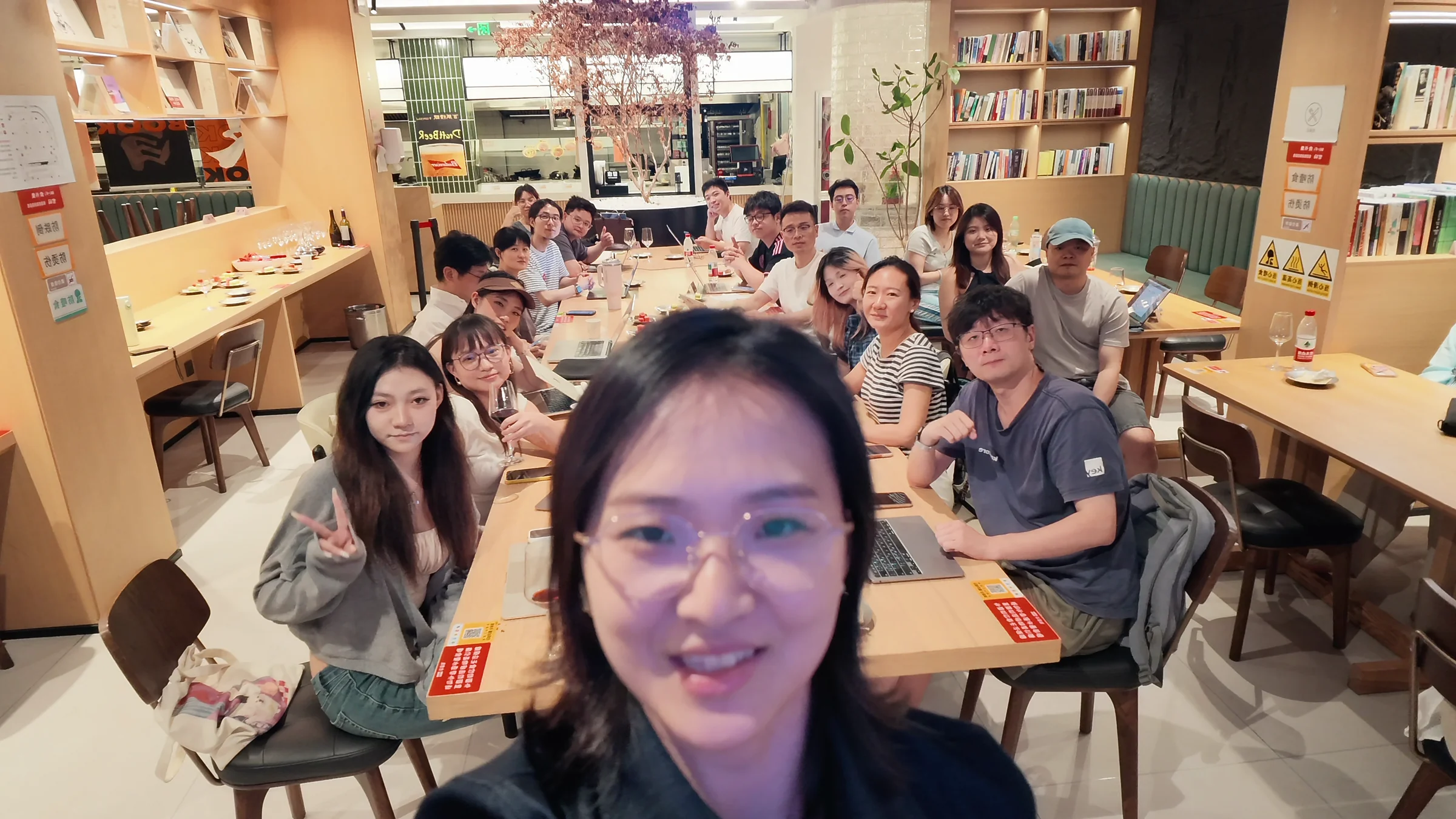
A hands-on evening for personal sites, decks, product ideas, prototypes, and peer learning.
The room
What happened
The demo was only the starting point.
The workshop welcomed a room spanning engineering, design, product, education, legal, marketing, and entrepreneurship.
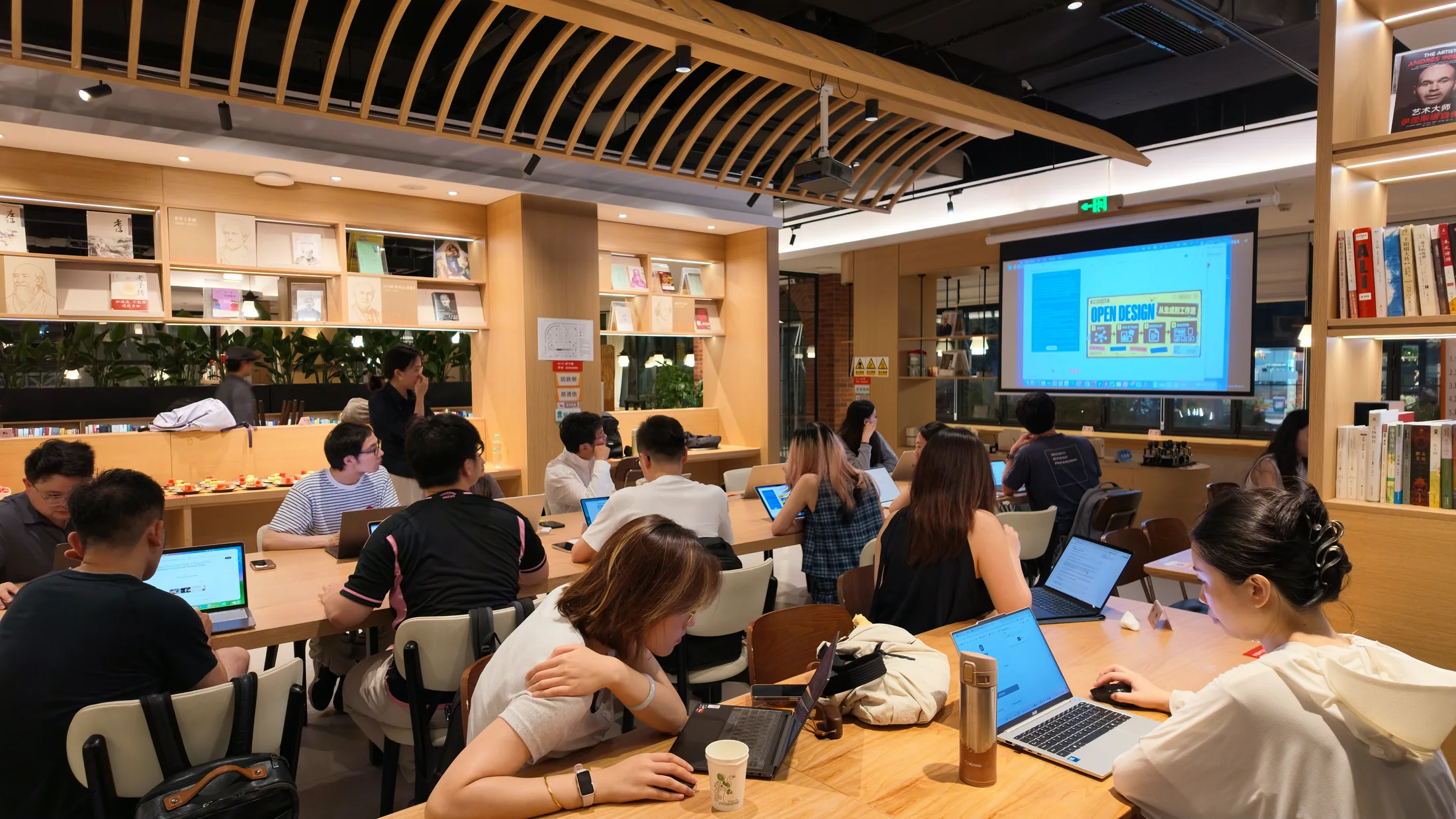
The format was intentionally direct: a short introduction, a step-by-step AI PPT tutorial, then a longer hands-on build around a theme each participant brought with them. The closing part of the evening was reserved for sharing work, a group photo, and open conversation.
That balance mattered. People had enough context to begin, but most of the session belonged to the participants—their questions, their ideas, and the artifacts taking shape on their screens.
The room changed when the walkthrough ended, laptops opened, and everyone began making something of their own.
Workshop · AI PPT
Everyone made the first slides together, step by step.
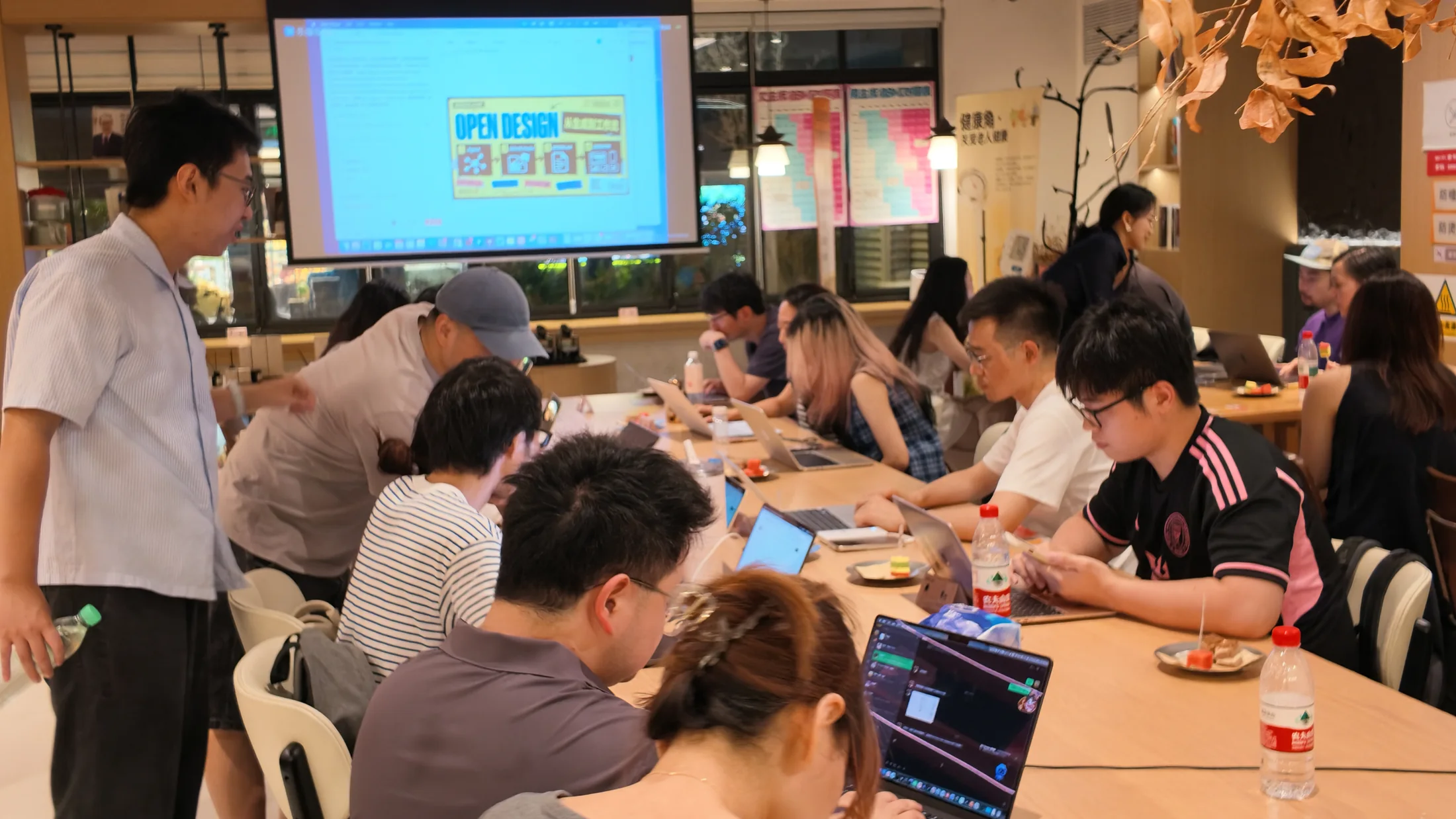
The walkthrough was not a quick product demo. The OpenDesign team guided the room through an AI-powered PPT workflow one step at a time: choose a topic, find a visual direction, create an editable deck, inspect the result, and refine it.
Follow the same workflow in How to Create an AI-Powered PPT with OpenDesign.
In the room · 01
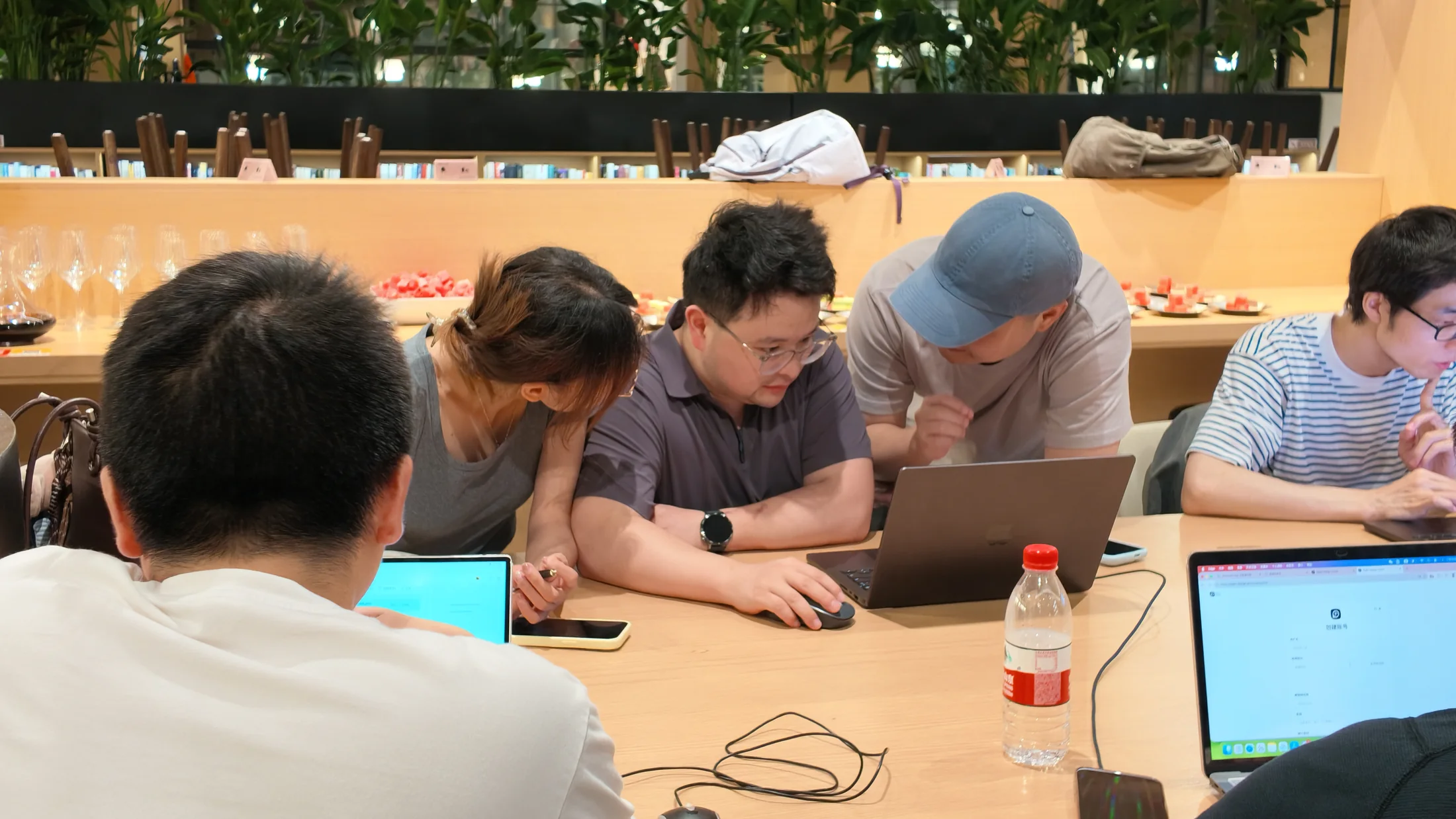
Many disciplines, one shared build table.
The applications showed just how broad the room was: developers and designers sat alongside product managers, students, founders, educators, marketers, and legal professionals.
Once the hands-on session began, those different perspectives became useful. People could compare how they framed problems, where they wanted more visual control, and what made an output feel ready to keep working on.
At the table
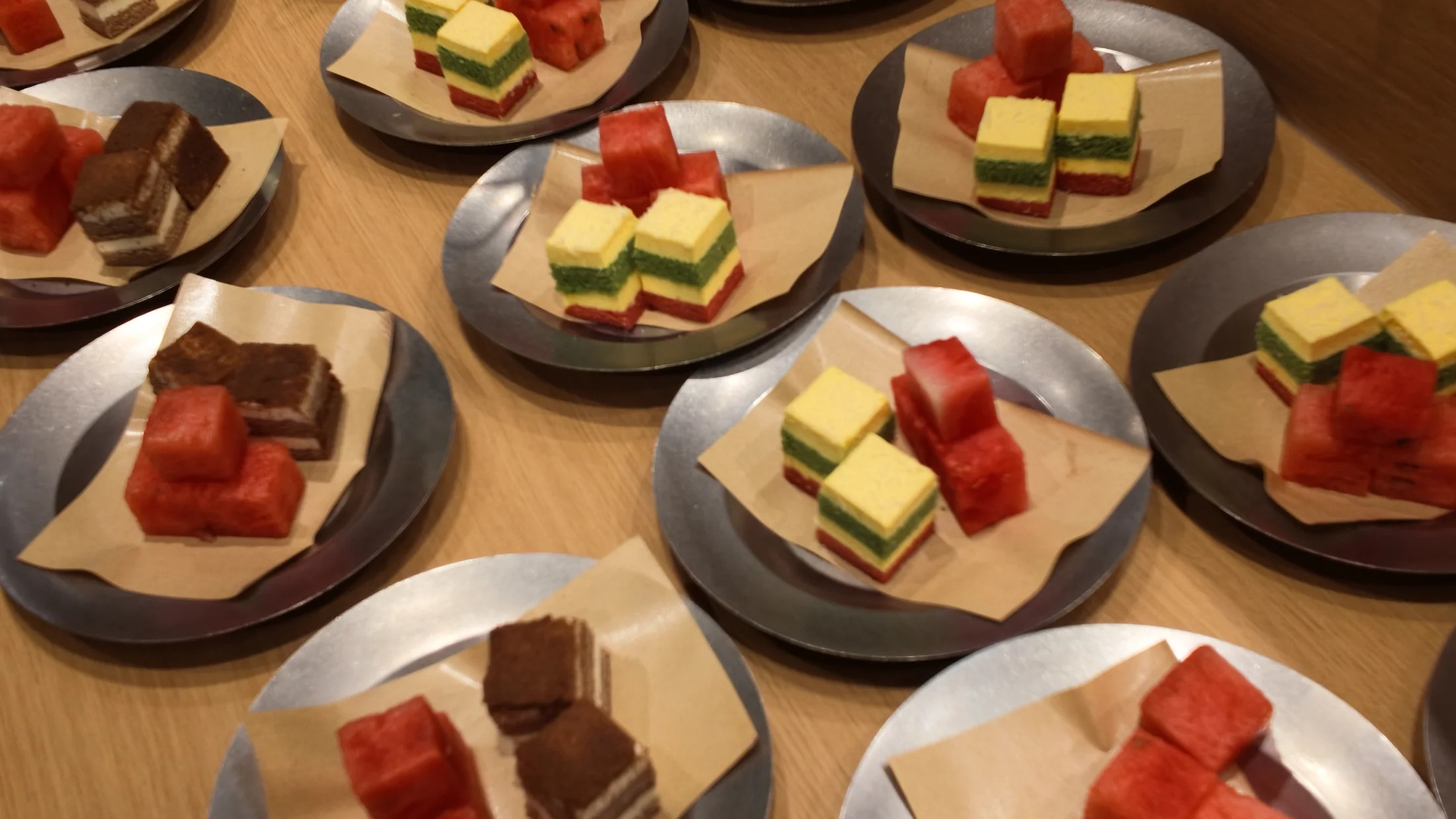
Good food, red wine, and room to create.
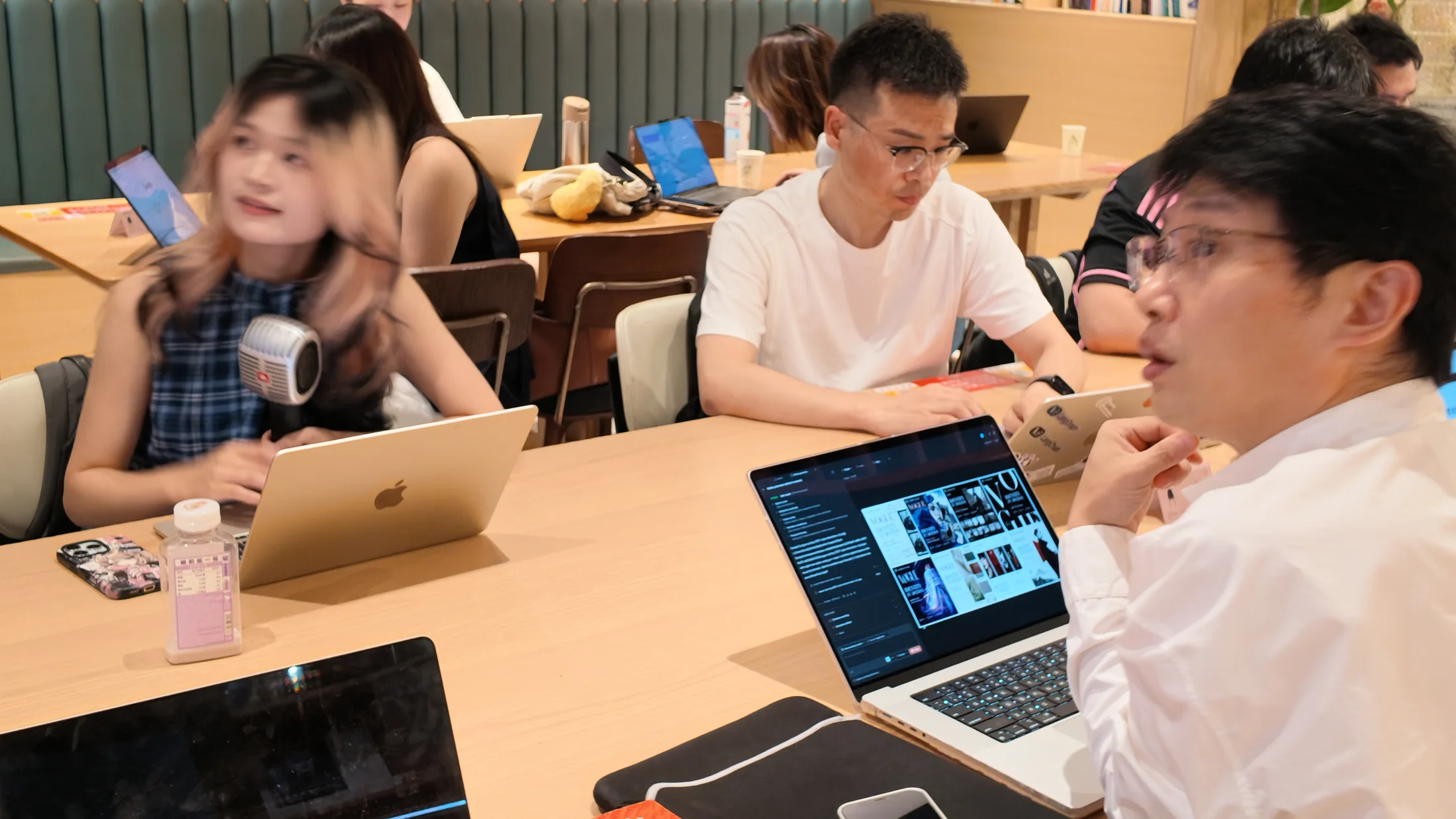
Alongside the laptops were red wine, fresh fruit, and plenty of food to share. The workshop felt less like a formal class and more like an evening spent making things with friends.
That relaxed rhythm gave people space to pause, talk through an idea, help a neighbor, and return to their work. In the middle of good food and wine, creation became something to enjoy together.
What we learned
A practical workshop works best when people make the first slides together, then have generous time to explore.
Start from a real theme.
People move faster when the artifact connects to something they already care about.
Keep the output editable.
The first result is more useful when participants can inspect it, adjust it, and continue.
Make creation enjoyable.
A relaxed table, shared food, and informal conversation help ideas move naturally.
Next step
Bring a hands-on OpenDesign session to your city.
Local workshops turn AI curiosity into shared practice: a real theme, an editable artifact, and a room of people learning by making.