
Canvas & Generative UI
dsh-diagram
Turn any article in the session into an editable Excalidraw canvas, not a disposable image.
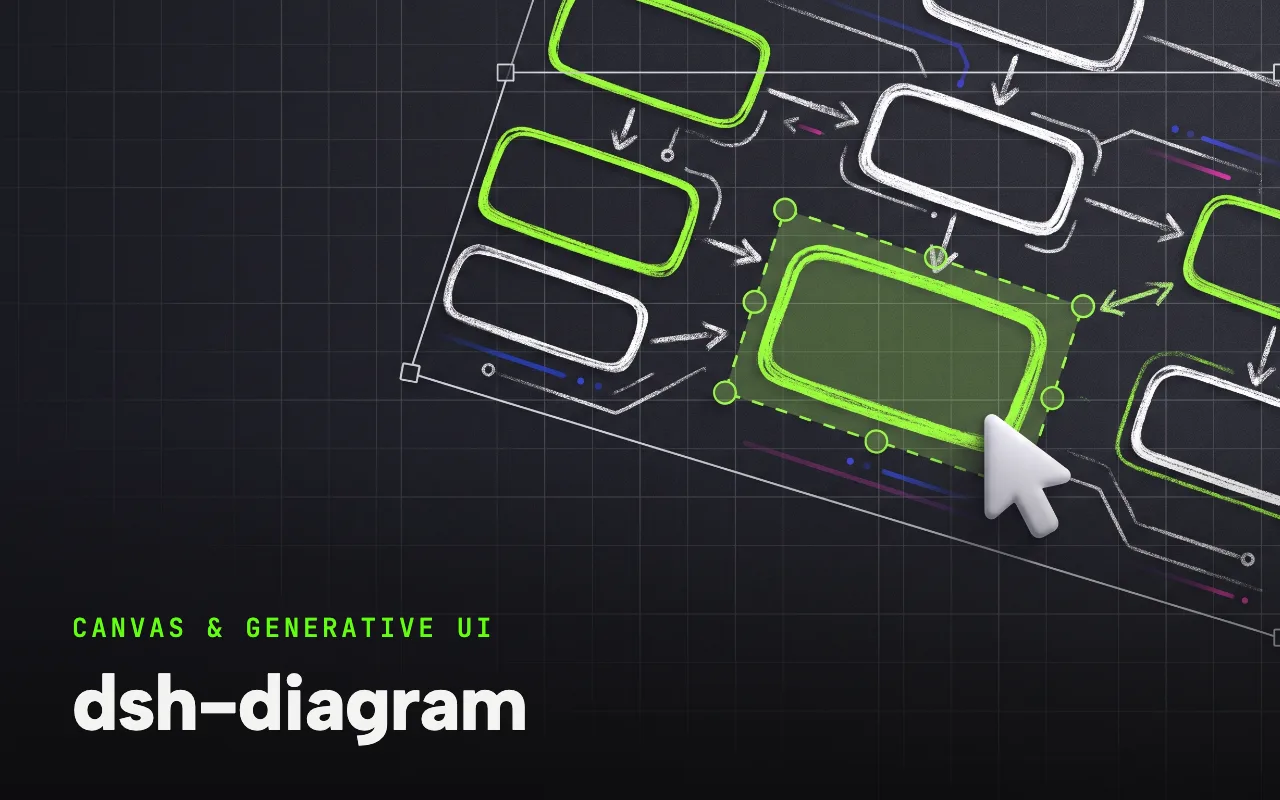
What it is
An Excalidraw canvas inside the harness: the agent calls diagram_create to build a flowchart, architecture diagram, timeline, hierarchy or comparison from a compact semantic spec, and a Canvas tab opens the full editor so you refine text, nodes and connections directly in the session.
Turn any article already available in a DeepSeek Harness session into an editable Excalidraw canvas. The Agent creates the structure; you refine the text, nodes, and connections directly in DSH.
Why it matters for design
- Editable, not disposable: keep working in a real vector canvas instead of accepting a static generated image.
- Revision-based compare-and-set autosave prevents a stale editor from silently overwriting newer work.
- Exports .excalidraw, SVG or PNG, and manual edits reach the agent only when you ask it to call diagram_read.
What it covers
- Why dsh-diagram?
- Quick install
- Create your first diagram
- What it adds
- Compatibility
- Data, security, and limits
How to install
dsh-diagram
-
Run this in a terminal.
dsh plugin --profile web add dsh-diagram@latest -
Restart dsh web so it picks up the plugin.
-
Then describe the design you want. The harness picks up the plugin’s tools.
How to run it with DeepSeek Harness
-
Add the plugin to your web profile and restart dsh web.
-
Ask for one clear diagram of the article in the session; the agent calls diagram_create.
-
Open the Canvas tab, edit directly, then export or let the agent read your changes back.
Every plugin here is free to install and links to its real upstream source.
More in the DeepSeek Harness repo ↗More DeepSeek Harness design plugins
 Vision & Input What it does modlens Gives text-only DeepSeek models plug-in vision: paste a screenshot, get structured evidence.
  Vision & Input What it does dsh-vision-toolkit Ten vision tools for UI restoration, grounding and pixel-diff verification.
  Vision & Input What it does dsh-ui-spec Turns UI screenshots into implementation-grade specs: tokens, spacing scale, layout grid.
  Vision & Input What it does dsh-media-skills Free eyes and a free paintbrush: paste-image reading plus watermark-free image generation.
 Next step
Design with OpenDesign, without the setup
Install this plugin yourself, or run a whole curated design layer around DeepSeek Harness with OpenDesign. Bring your own key, own your output.